Keep the moments your guests saw.
Create one wedding event for the candid photos and videos captured by friends and family, from preparations to the last dance.
Get PhotoTrail for AndroidUploads use the Android app and an account. Browser previews support viewing, with an OTP for private events.
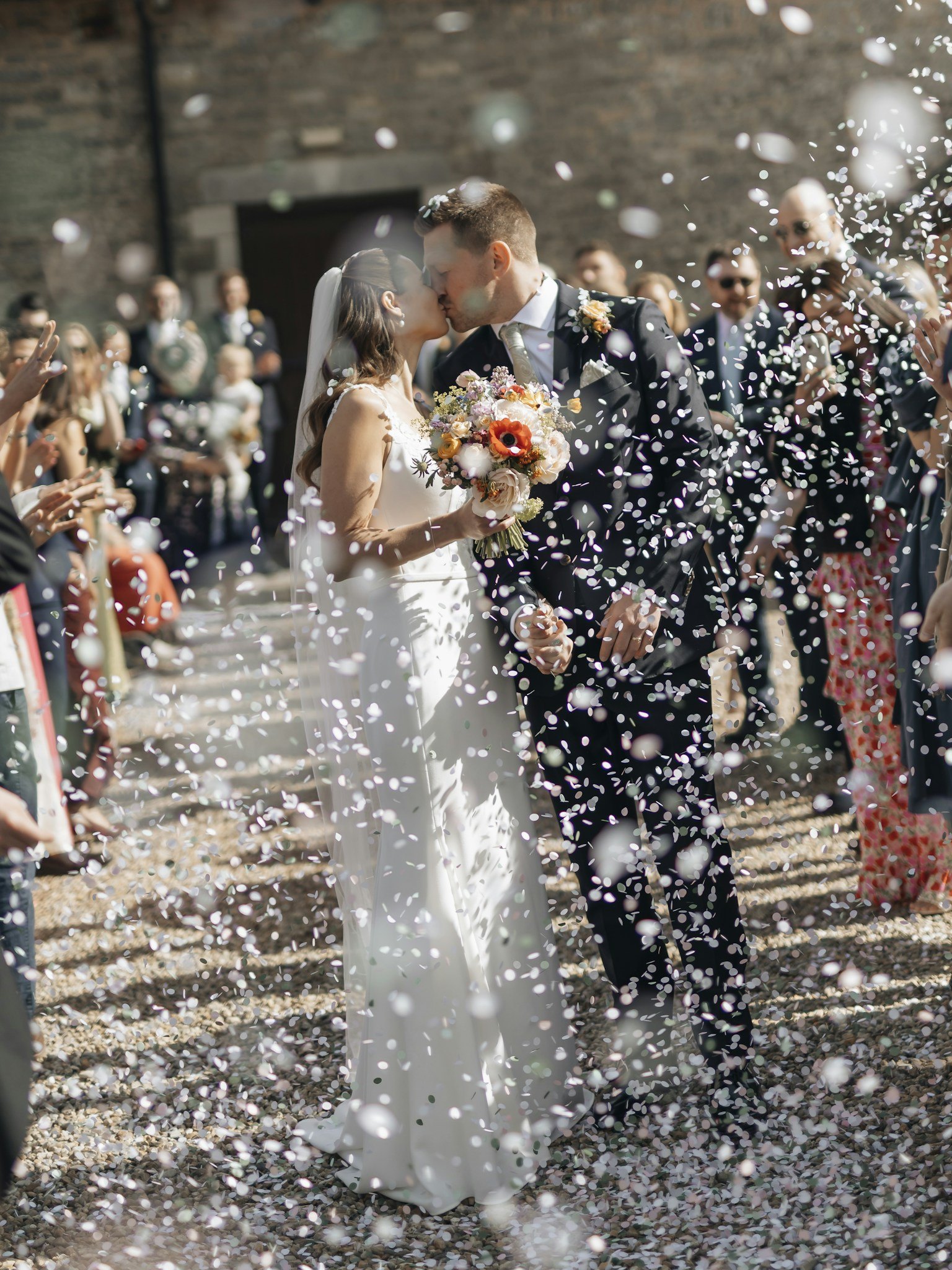
A simple plan for the couple and their guests
Wedding photos often arrive through several chats long after the celebration. PhotoTrail gives participating guests one event to contribute to. Choose an organizer before the wedding, create a clearly named private event, and test an invitation with another account before sharing it widely.
Before the wedding
Confirm that the intended contributors can use the Android app. Share the joining instructions and explain that uploads require an account. Give iPhone guests a separate collection option if needed. Test one photo and video, review your storage allocation, and make sure the couple understands who will be able to see the collection.
During the day
Use the same event link or invite code in guest messages. Ask one helper to answer setup questions so the couple can enjoy the celebration. A short reminder at a natural pause is usually more useful than repeated requests to upload. Ask for the moments that matter to the couple: family reunions, speeches, table photos, and the dance floor.
Preparing reception table cards? Choose from 20 examples of wedding photo sharing sign wording, then add the joining instructions your guests need.
After the celebration
Send a thank-you with the same invitation and a gentle request for favorite photos. Check for missing moments, review access, and keep separate copies of important originals. Agree who will manage the collection afterward and how guests can request removal of an image.
Keep professional delivery and guest memories clear
Your photographer’s edited gallery and the guest collection serve different purposes. Keep them clearly labeled and agree on responsibilities before including either in a wedding package. The guest collection does not automatically include professional editing, printing, or a promise of permanent archival storage.
Photographers managing client events can use the Photographer workflow. Guest contributions in those events count toward the photographer’s storage. Review the plan comparison before offering a collection to a large guest list.
Choose private access deliberately
Use a private event for a known guest group. Browser previews of private events require an OTP. Ask before publishing contributions outside the group, especially photographs of children or private preparations. Being able to view a photo does not establish permission to reuse it publicly.
See the recorded walkthrough, read the wedding guest-photo guide, and review privacy and access details before sending invitations.